
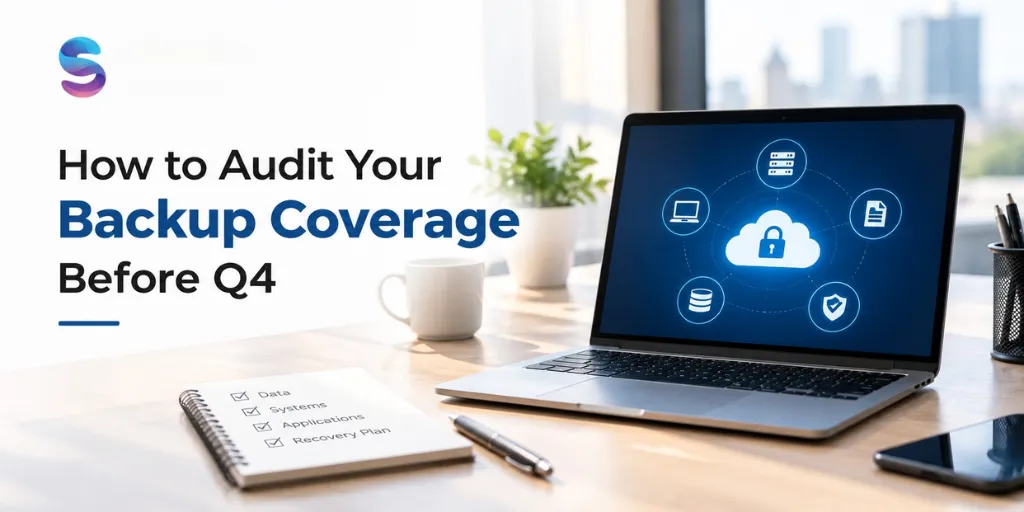
At the beginning of each quarterly backup audit, especially when creating plans for the next quarter, it’s a good idea to assess if there are any gaps in your coverage. I’m posting this last to mark the end of August, and I want to give you a simple way to check your coverage for the year before plans for the next year (and budgets) are finalized.
August is a great month to evaluate your backups, because it comes after vacation coverage has been scheduled and before the back-to-back planning of Q4 lock-in. August is also a good time to do a quick assessment of your coverage to identify potential problems before they turn into emergency situations at the end of the year.
The following questions will help you quickly evaluate your coverage in less than an hour.
1. Is all of your off-site media transported to its storage location?
2. Have you verified the integrity of your off-site media?
3. Are there any media requests that need to be fulfilled?
4. Are there any off-site media requests that need to be fulfilled?
The 4-question audit
year?
Cross-check your backup dashboard’s device list against your actual current device inventory, not from
memory.
Revisit this if your business, compliance obligations, or risk tolerance have changed since you last set it.
Cross-reference current backup account access against your current team roster.
Compare your actual data volume and usage against your current plan tier — you may be over- or under-provisioned.
Document what you find, even briefly
A simple note — date, what you checked, anything flagged — takes a couple of minutes and gives you something to compare against next year, plus a useful record if compliance or audit questions ever come up.
If you find a gap
- Missing device: add it to backup coverage this week, not “eventually.”
- Outdated retention: revisit and update it to match your current actual risk and obligations.
- Lingering access: revoke it immediately — this is a security gap, not just a tidiness issue.
- Cost mismatch: right-size your plan based on actual current usage, not what it was when you first signed up.
Frequently asked questions
Q: Why late summer specifically, rather than right before Q4 starts?
Doing it now, rather than in the final days before Q4 planning locks in, gives you time to actually act on anything you find — upgrading a plan, closing an access gap, or adjusting retention — before it becomes a rushed, reactive fix under year-end pressure.
Q: What if we find a real gap during this audit?
Treat it the same way you would any other risk finding: prioritize it, assign an owner, and set a realistic timeline to close it — ideally before Q4 begins, not as a resolution to carry into the new year.
Q: Should this audit be a formal, documented process or just an informal check?
Even a lightweight, documented version (a simple checklist with dates and findings) is meaningfully better than a purely informal check, since it creates a record you can compare against next year and demonstrates due diligence if it’s ever needed for compliance purposes.
Q: How long does this audit actually take?
For most small-to-medium organizations, well under an hour once you know where to look for each of the four items — the value is in doing it deliberately and consistently, not in how long it takes.
Conclusion
That closes out our August series — 31 posts covering everything from Windows setup to GDPR compliance to this final, practical audit. Thank you for reading along this month. Here’s to entering Q4 with backup coverage you’ve actually verified, not just assumed.
Nalini Mehta
CRO at Softyz Inc. Nalini focuses on practical, small-business-friendly frameworks for data protection — this year-end-style audit closes out the month’s content series with a genuinely useful, low-effort action item.