
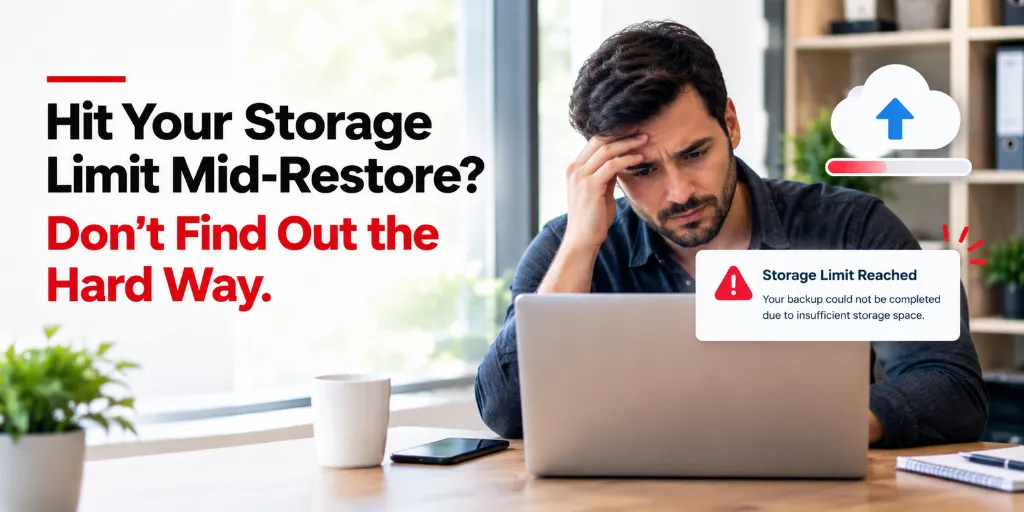
A free backup tier is genuinely useful and also comes with tradeoffs that only become visible when you actually need to rely on it. Here’s what to know upfront, not mid-crisis. Free storage tiers are a genuinely good option for plenty of people but “free” doesn’t mean “no tradeoffs.” Understanding those tradeoffs upfront, rather than discovering them at the worst possible moment, is the difference between a free tier serving you well and one quietly setting you up for a bad surprise.
What a Free Backup Tier Typically Doesn’t Include
The real cost of hitting a storage ceiling mid-crisis
Discovering a limit at the wrong moment
The genuine risk isn’t the free tier itself — it’s discovering its specific limits exactly when you’re relying on the backup most, like mid-restore during an actual data loss event. Understanding your tier’s real limits proactively removes this risk entirely.
Feature gaps common at free tiers
Beyond storage volume, free tiers sometimes limit retention depth (shorter version history) and advanced encryption options (like zero-knowledge/private key configurations). These gaps matter more for some use cases than others — worth checking specifically against your own needs rather than assuming parity with paid tiers.
When free tiers are genuinely the right choice
For the right use case, free is genuinely fine
A small, high-value subset of data, or modest personal use, is a genuinely good fit for a free tier. The key is deliberately choosing it for the right reason, and knowing which specific limit would eventually force an upgrade — rather than discovering it unexpectedly.
How to Evaluate If You’ve Outgrown a Free Backup Tier
- You’ve hit or are close to your storage ceiling
- You’ve needed a feature (longer retention, more devices) the free tier doesn’t offer
- You’re relying on this backup for something genuinely important, not just casual use
- You’ve had to actively manage or delete data specifically to stay within a free limit
Frequently asked questions
Q: Is a free backup tier ever genuinely enough long-term?
Yes, for the right use case — a small, high-value subset of data, or personal use with modest storage needs. The important thing is understanding the specific limits you’re accepting, rather than assuming a free tier scales indefinitely with your needs.
Q: How do I know when I’ve actually outgrown a free tier, versus just feeling like I should upgrade?
Look at the concrete signs — hitting storage limits, needing a feature that isn’t available, or actively managing data just to stay within a limit. If none of these apply, the free tier may genuinely still be the right fit.
Q: What’s the biggest risk of relying on a free tier for something important?
Discovering a limitation — a storage ceiling, a shorter retention window than you needed — at the exact moment you’re relying on the backup during an actual crisis, rather than proactively understanding the tradeoff beforehand.
Q: Should everyone eventually upgrade to a paid backup plan?
Not necessarily — it depends entirely on your actual data volume and how critical the backup is to you. A free tier used deliberately, for the right scope of data, can remain the right long-term choice for plenty of people.
Conclusion
How to Evaluate If You’ve Outgrown a Free Backup Tier when chosen deliberately and understood clearly. The goal is knowing your specific limits before you need them, not discovering them at the worst possible time.
Nalini Mehta
CRO at Softyz Inc. Nalini focuses on practical, transparent guidance for evaluating backup options — including honest conversations about when free tiers work well and when they don’t.